What is IoT and what does it mean for your business?
We’re going to explore how IoT is transforming industries across the UK, and how...








Microsoft Teams is a global leader in corporate communications, trusted by thousands of businesses to simplify both internal and external collaboration. As an official Microsoft Partner, Elite Group helps you onboard Teams quickly and smoothly, so you can start seeing results without delay.

Adopting a new platform can feel complex, especially if the process is unfamiliar. Elite Group removes that complexity by managing the transition for you. This allows your teams to focus on daily work while benefiting from everything Microsoft Teams offers.
Our experience and results speak for themselves:

With the PSTN Switch-Off approaching, traditional PBX systems are becoming outdated. Businesses now need reliable, cloud-based calling to stay competitive. Teams Calling delivers exactly that.
Instead of desk phones, users can install the Microsoft Teams app on their chosen device, link their business number, and make or receive calls anywhere.
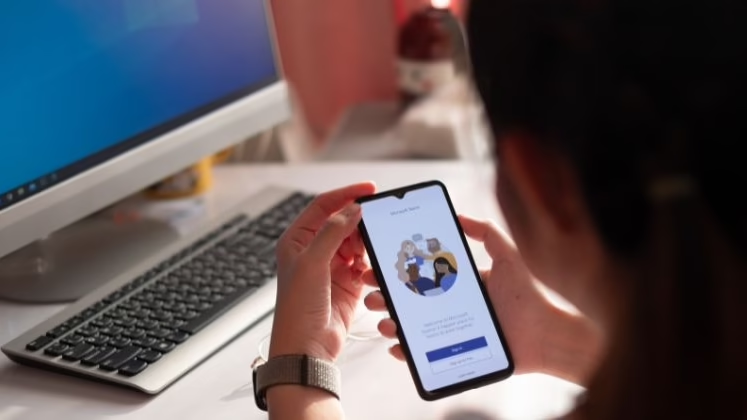
Microsoft Teams brings all your communication tools into one app, helping teams work more efficiently and reduce friction.

Reduce app switching by centralising communications
Auto-attendant, call queues, and voicemail-to-text
Track call performance and usage with ease
Work from any location or device
Elite Group ensures your organisation is up and running with Teams quickly and with minimal disruption. We can fully migrate your systems or run Teams alongside your existing tools, depending on what works best for you.
Over 90% of Fortune 500 companies rely on Microsoft Teams for internal and external communications. Avoid the stress of migration and trust Elite Group to deliver a solution that fits your needs.
As your managed services partner, we use our Microsoft expertise to ensure your technology works effectively and securely at all times. Fill out our contact form and a member of our team will be in touch shortly.

Absolutely. Changing phone numbers can cause massive disruption in your business, which is why you can simply port the existing number you have over to the Microsoft Teams platform. This can be quite the technical process for some, but don’t worry, our team will handle all the complexities for you, so you can continue using your dedicated business phone number without delay. Just speak to our team for more information.
Traditional desk phones can’t connect via Teams Calling, so you’ll need new Teams-certified phones if you want to stick with these types of devices. However, most users simply install Teams onto their devices of choice (laptop, smartphone, tablet, desktop) and use a wired or wireless headset to make calls. But as long as your device has an internet connection, an active microphone and can house the Teams app, you’re good to go.
Yes – this is a key feature of Microsoft Teams. For seamless collaboration and clarity, you can invite external users into your company’s Microsoft Teams so they can chat, share files and collaborate in real-time, just like internal employees. But don’t worry, you maintain complete control over security, and they’ll only have access to the areas you allow.
Not at all. It’s very useful for large organisations, as it gives everyone at every level of the business a dedicated tool for communications and collaboration. But Microsoft Teams is just as useful for smaller businesses and medium-sized businesses that want to enjoy greater productivity, teamwork, and streamlined processes. You can even connect Teams to your wider operational software, so you can see updates from critical systems within the Teams platform.
Explore Elite Group's latest industry updates, insights, and practical guidance, designed to help your business make better technology decisions.